
A complete address and an accurate map pin make sure visitors arrive at your door without getting lost. Your address appears on your listing, on the interactive map and in the directions visitors open on their phone.
🏠 Writing your address
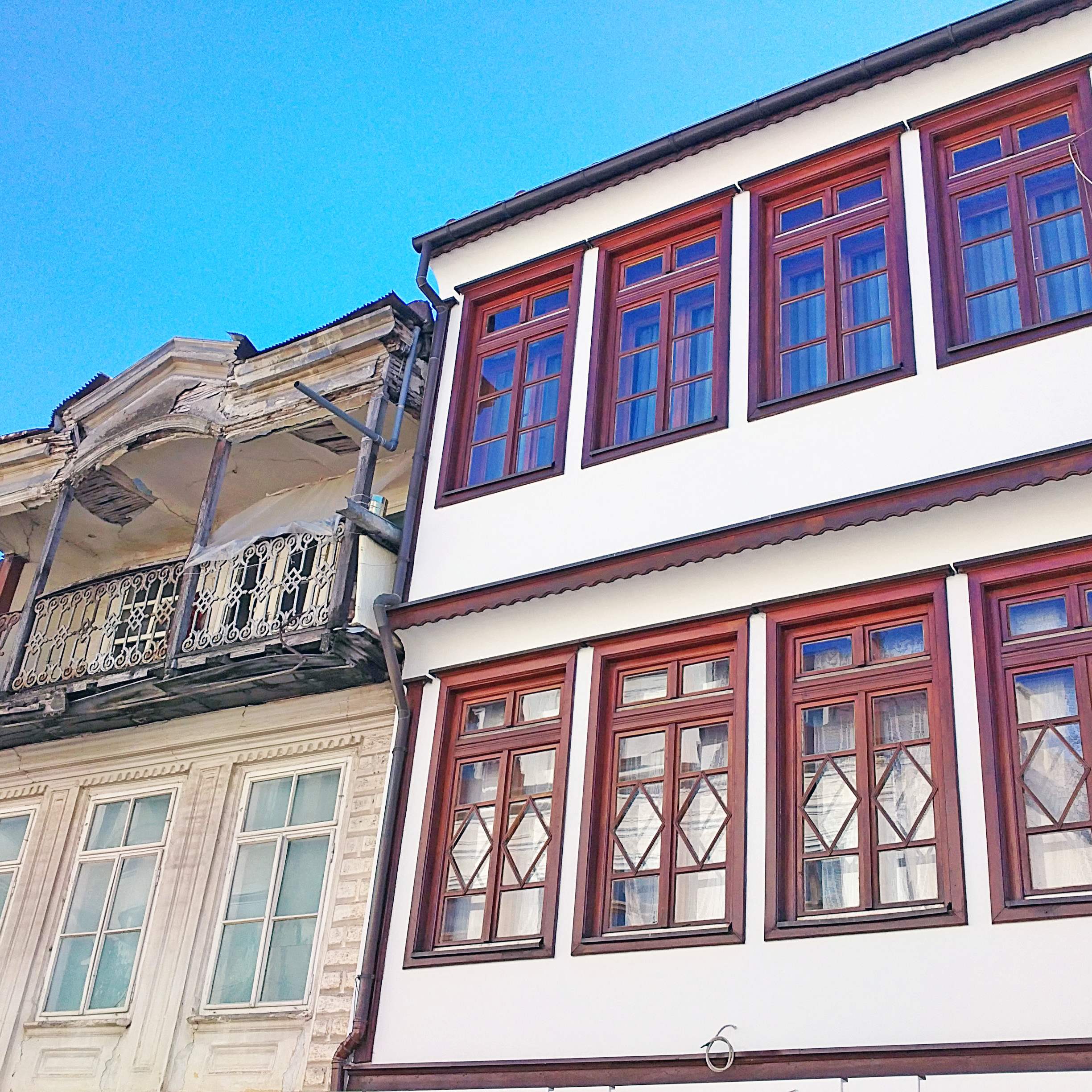
Include the street, number or recognisable building, locality and postal code where available. For villages, include the village name and Municipality of Struga.
Write the address the way it appears on official documents and street signs, and use the same version on your website and social profiles so visitors and map apps find one consistent location.
| Part | Example |
|---|---|
| Street and number | Kej 8 Noemvri bb |
| Building or landmark (optional) | next to the Bridge of Poetry |
| Town or village | Struga |
| Postal code | 6330 |
| Municipality | Municipality of Struga |
Many addresses in the area use “bb” (bez broj, “without number”). If yours does, add a landmark so visitors can still find you.
📍 Placing the map pin
- Place the pin at the visitor entrance, not in the centre of a large property or car park.
- Zoom in fully on the map before saving, and check the pin on satellite view.
- For lakeside venues, make sure the pin is on the right side of the road or promenade.
- If you have a separate entrance for guests, deliveries or parking, describe it in an access note.
🧭 Access notes
Add a short landmark or access note when navigation may be unclear, for example: “Entrance from the river promenade, opposite the bridge” or “Follow the signs for the beach, 200 m after the petrol station”. Mention parking, steps or wheelchair access if they matter to your guests.
📋 Quick checklist
- Street, number (or “bb” plus a landmark), town, postal code and municipality are filled in.
- The map pin sits on your visitor entrance.
- The address matches your website, booking platforms and Google profile.
- Your business name and contact details are complete as well.
Ready to add or update your listing? Register your business: fill in the form and our team will create your profile.